library(ggplot2)
library(patchwork)
library(dplyr)Combining plots in ggplot2
Arranging multiple ggplot2 plots side by side in R using patchwork
R
ggplot2
visualization
We need to load the following R libraries:
Create two plots:
p1 <- ggplot(iris, aes(x = Sepal.Length, y = Sepal.Width, color = Species)) +
  geom_point() +
  labs(title = "Sepal Length vs Sepal Width") +
  theme_minimal()

p2 <- ggplot(mtcars, aes(x = wt, y = mpg, color = factor(cyl))) +
  geom_point() +
  labs(title = "Weight vs MPG") +
  theme_minimal()
Now we can arrange the two plots side by side using the patchwork package:
p1 + p2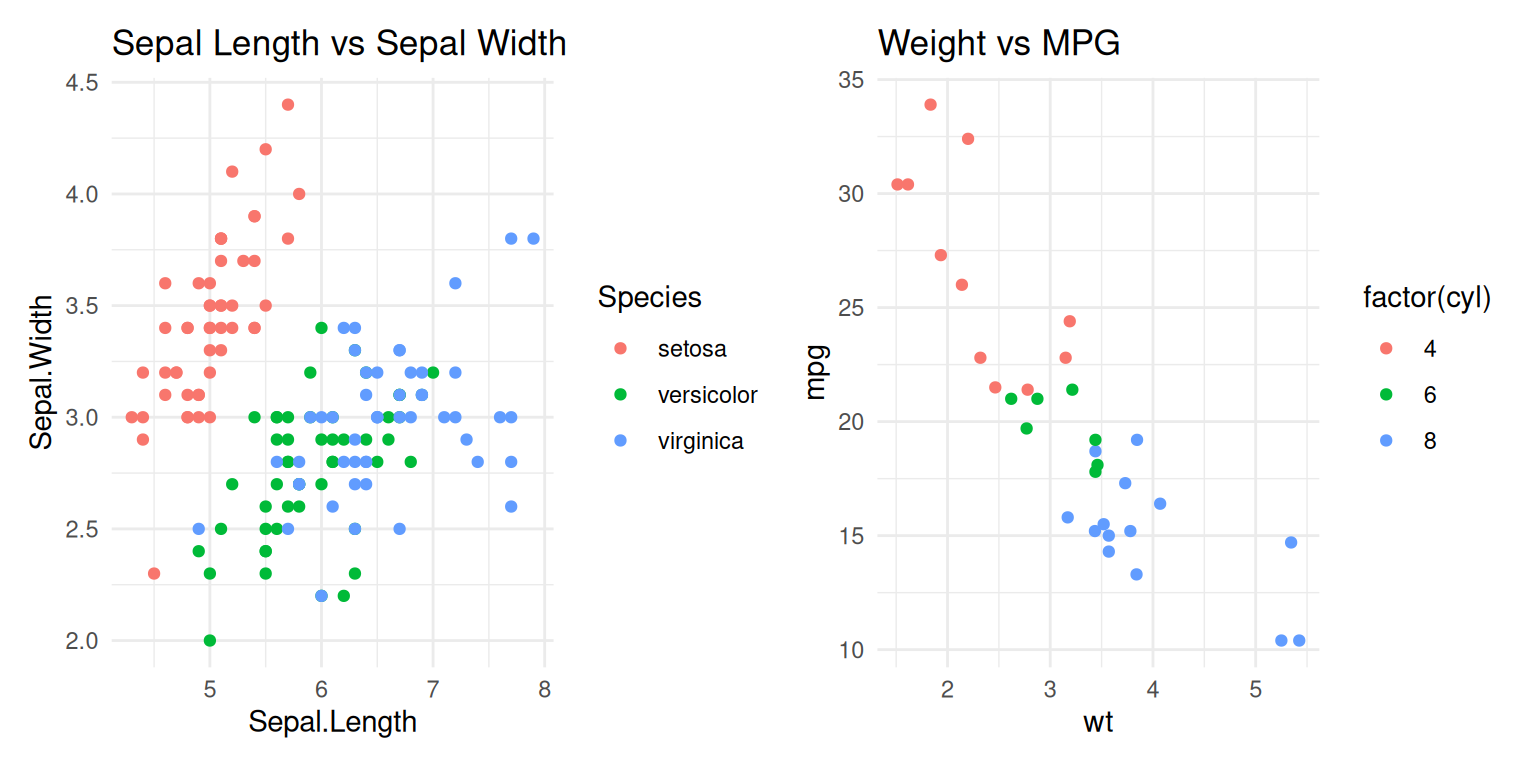
You can also customize the layout further, for example by adding a common title or adjusting the spacing:
(p1 + p2) +
  plot_layout(ncol = 2) +
  plot_annotation(title = "Side by Side Plots in ggplot2") +
  theme(plot.title = element_text(hjust = 0.5))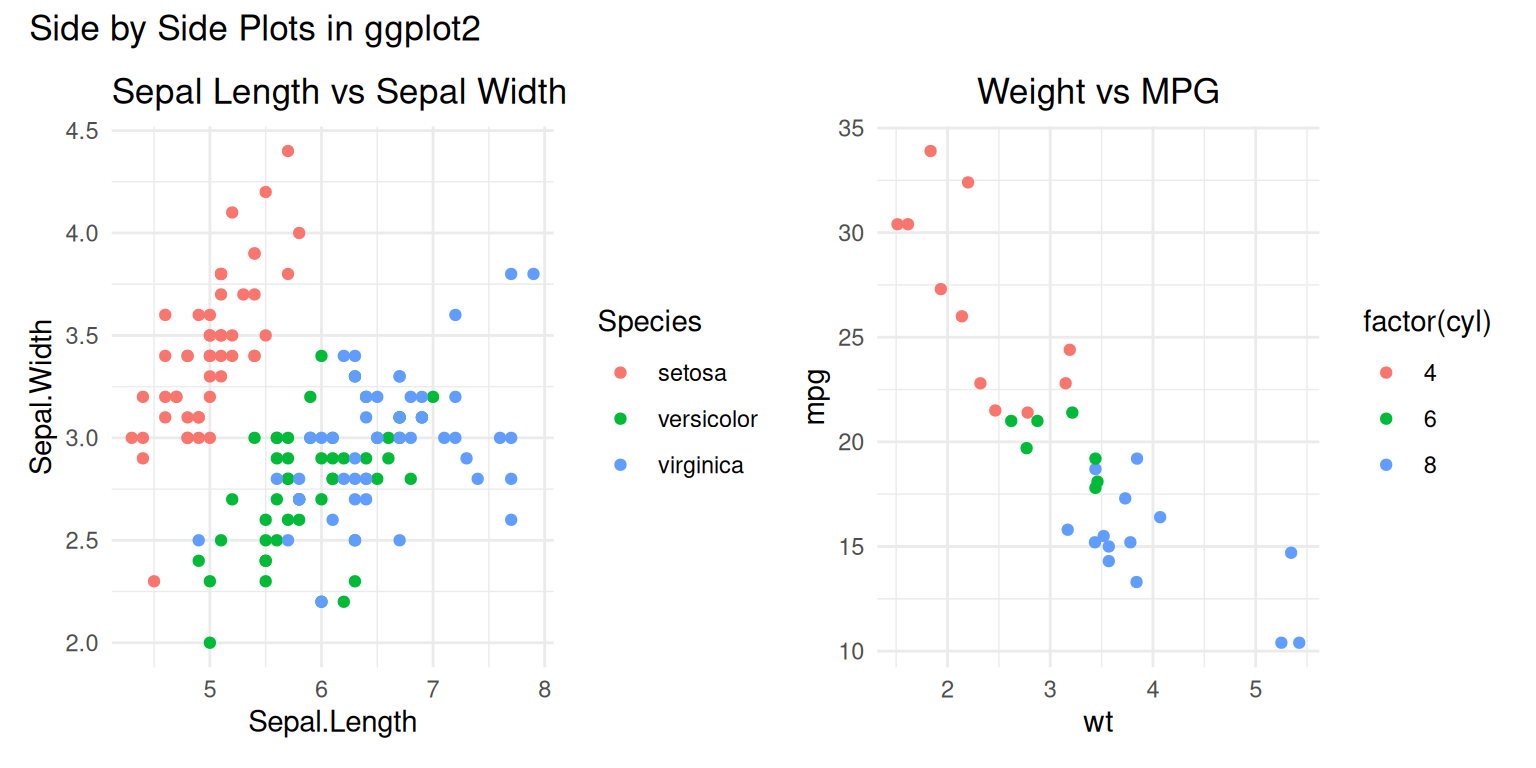
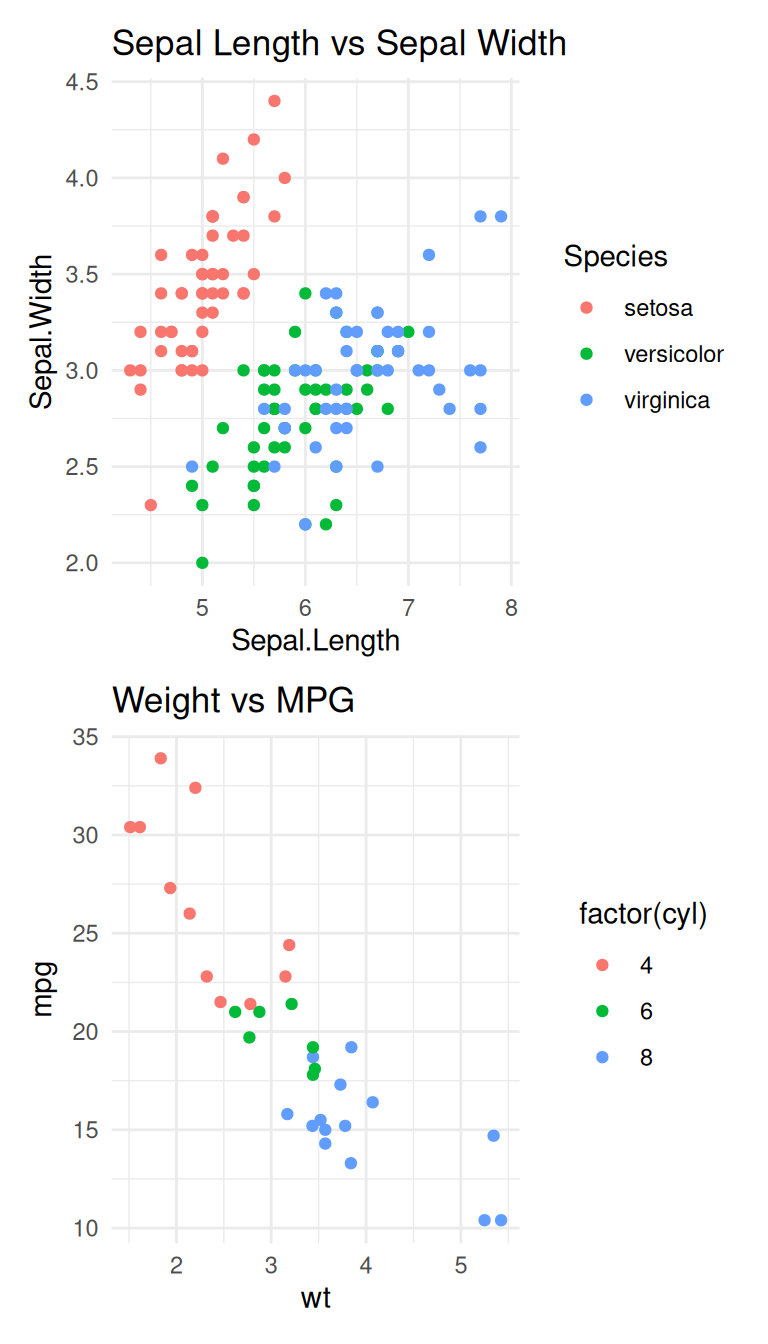
You can also position the plots one below the other:
p1 / p2