ggplot_dag() is ggplot() + dag_layers(lay, ...) + dag_theme().
Given a dag instead of a dag_layout, it first lays it out with
dag_layout(), in the style you give it (style_metro() by default).
Usage
ggplot_dag(
  x,
  node_color = NULL,
  edge_color = "source",
  palette = metro_palette,
  node_shape = NULL,
  shapes = targets_node_shapes(),
  node_size = NULL,
  edge_width = NULL,
  style = style_metro(),
  fixed_size = TRUE,
  zoom = 1
)
Arguments
- x
A
dag_layout(fromdag_layout()) or adag(fromas_dag()ortar_dag()).- node_color, palette, edge_color, node_shape, shapes, node_size, edge_width
Passed to
dag_layers().- style
A
style_metro()object, used to lay outxwhen it is adag(ignored for adag_layout, which carries its own).- fixed_size
If
TRUE(the default), fix the panel's absolute size so element sizes are constant across graphs; ifFALSE, stretch it to the device.- zoom
Uniform size multiplier for nodes, lines and text (with
fixed_size = TRUEonly; ignored with a warning otherwise).
Details
By default (fixed_size = TRUE) the panel gets an absolute size of
zoom px (at 96 dpi) per data unit, via theme(panel.widths, panel.heights). Nodes, lines and text then keep the same size whatever
the pipeline's length: a bigger graph gives a bigger plot, not smaller
nodes. Use dag_size() (or ggsave_dag()) to get or save the plot at
that size. On a device smaller than the plot, such as a small RStudio
Plots pane, a large graph is clipped: lower zoom, or save it with
ggsave_dag().
With fixed_size = FALSE the panel stretches to fill the device, as
any ggplot does. Nodes, line widths and text are set in absolute units,
so they keep their size while the spacing between nodes stretches, and
their proportions to it vary with the graph's size.
Adding a complete theme afterwards (e.g. + ggplot2::theme_void())
replaces the panel size and so turns fixed sizing off. Add individual
theme() settings instead.
Examples
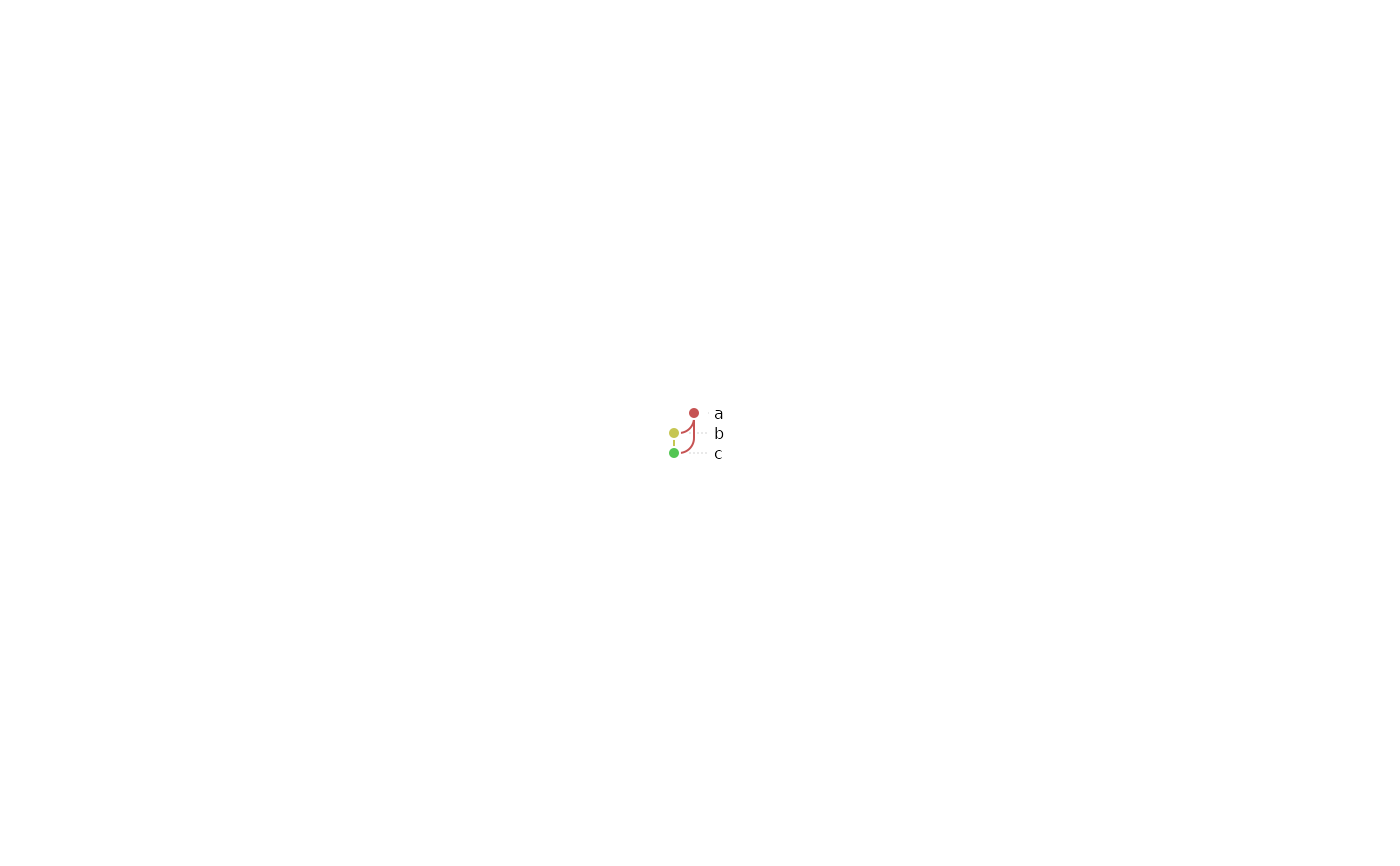
dag <- as_dag(data.frame(from = c("a", "a", "b"), to = c("b", "c", "c")))
ggplot_dag(dag)
 ggplot_dag(dag, edge_color = "target")
 ggplot_dag(dag, style = style_metro(node_radius = 9, scale = 12))
 ggplot_dag(dag, zoom = 0.5)
 # nodes shaped (and colored) by a column
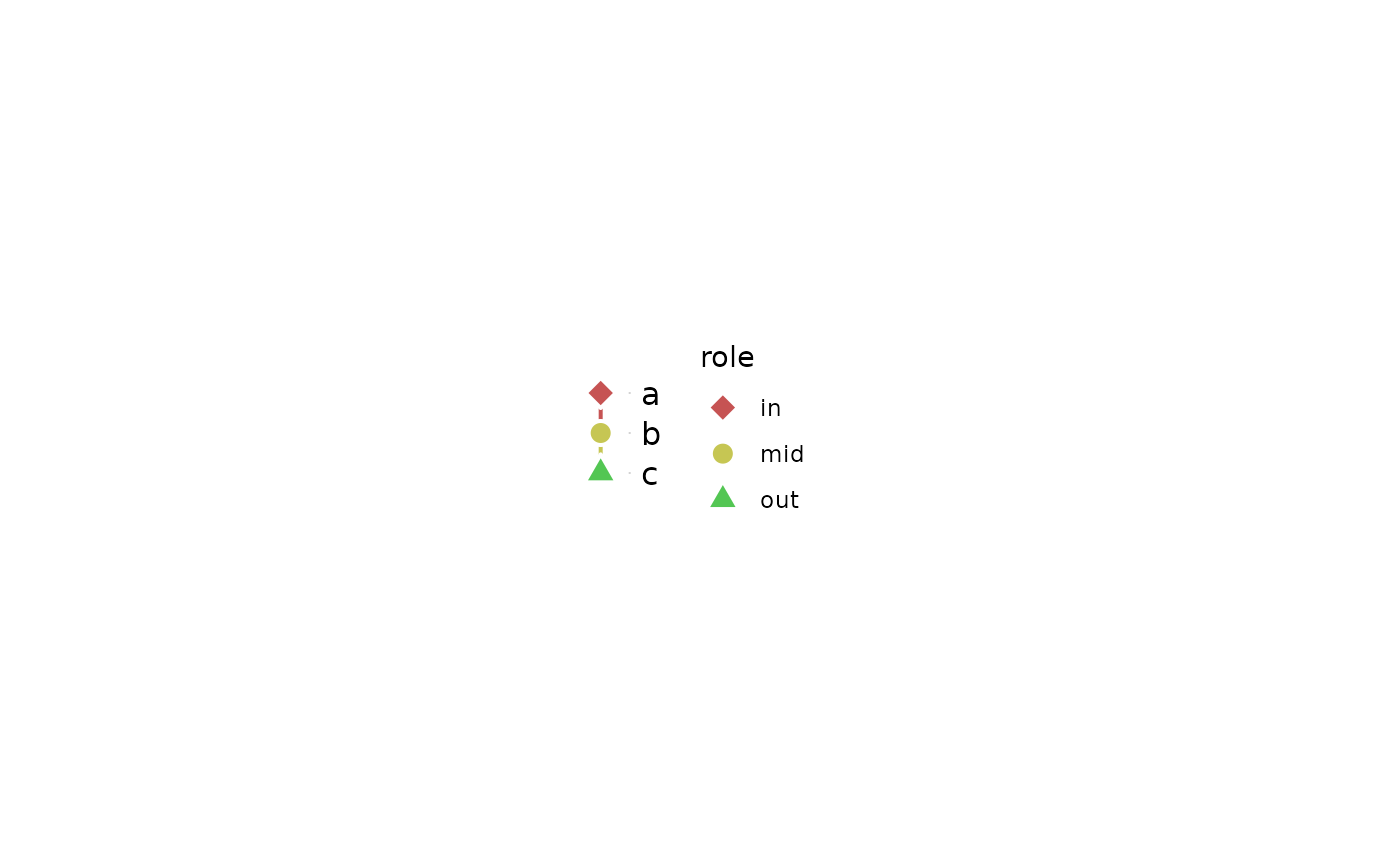
nodes <- data.frame(name = c("a", "b", "c"), role = c("in", "mid", "out"))
ggplot_dag(
as_dag(data.frame(from = c("a", "b"), to = c("b", "c")), nodes = nodes),
node_color = "role",
node_shape = "role",
shapes = c("diamond", "circle", "triangle")
)
# nodes shaped (and colored) by a column
nodes <- data.frame(name = c("a", "b", "c"), role = c("in", "mid", "out"))
ggplot_dag(
as_dag(data.frame(from = c("a", "b"), to = c("b", "c")), nodes = nodes),
node_color = "role",
node_shape = "role",
shapes = c("diamond", "circle", "triangle")
)
 dag_size(ggplot_dag(dag))
#> width height
#> 0.750 0.625
# a collapsed graph, with node size and edge width showing the counts
nodes <- data.frame(
name = c("raw", "clean", "tidy", "fit", "eval", "report"),
stage = c("data", "data", "data", "model", "model", "report")
)
edges <- data.frame(
from = c("raw", "clean", "tidy", "tidy", "fit", "eval"),
to = c("clean", "tidy", "fit", "eval", "eval", "report")
)
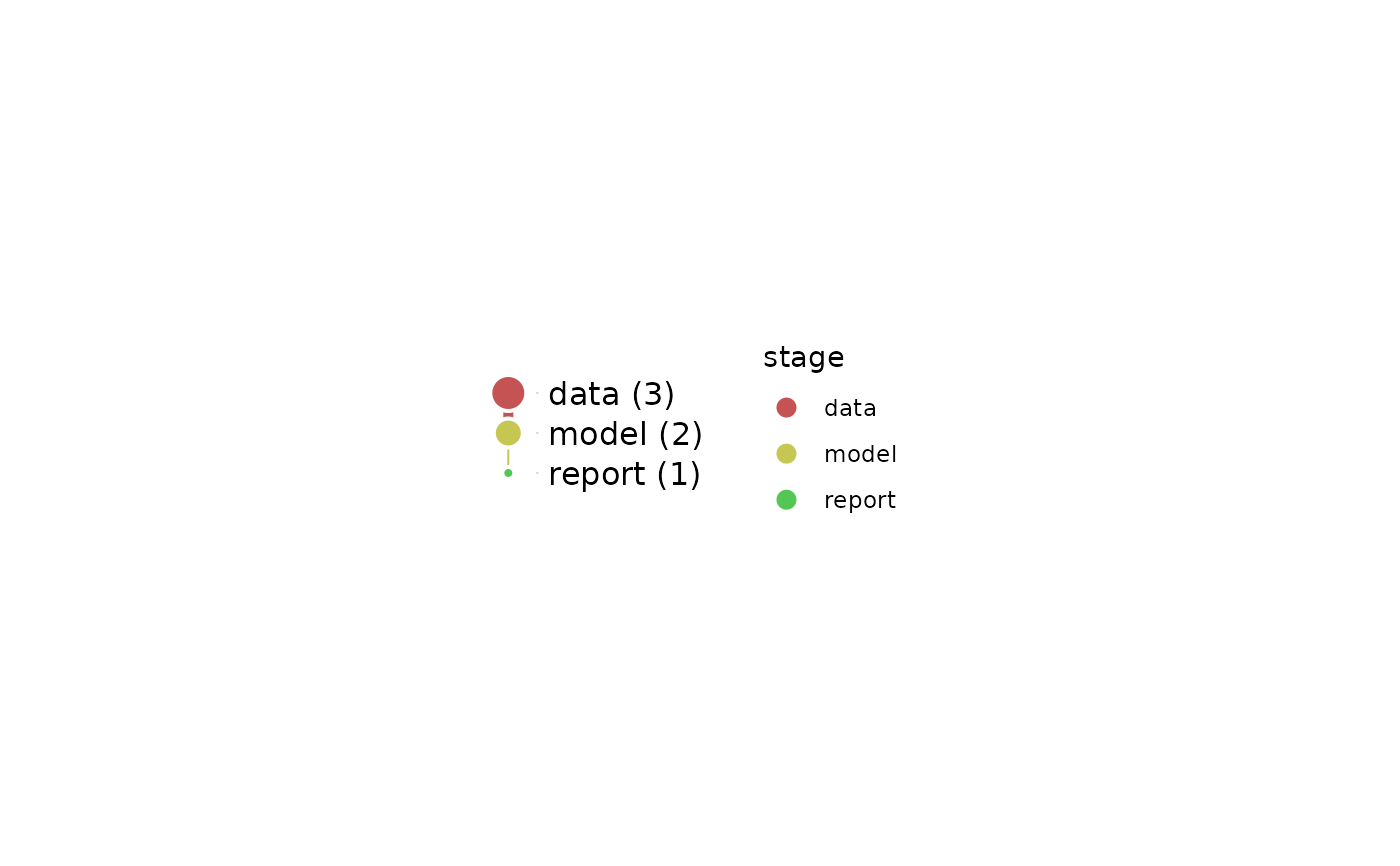
small <- dag_collapse(as_dag(edges, nodes = nodes), "stage")
ggplot_dag(small, node_color = "stage", node_size = "n", edge_width = "n")
dag_size(ggplot_dag(dag))
#> width height
#> 0.750 0.625
# a collapsed graph, with node size and edge width showing the counts
nodes <- data.frame(
name = c("raw", "clean", "tidy", "fit", "eval", "report"),
stage = c("data", "data", "data", "model", "model", "report")
)
edges <- data.frame(
from = c("raw", "clean", "tidy", "tidy", "fit", "eval"),
to = c("clean", "tidy", "fit", "eval", "eval", "report")
)
small <- dag_collapse(as_dag(edges, nodes = nodes), "stage")
ggplot_dag(small, node_color = "stage", node_size = "n", edge_width = "n")