The headline one-call function: tar_dag(), then dag_collapse() if you
give a collapse_by, then dag_layout() and ggplot_dag(). Mirrors
targets::tar_visnetwork()'s filtering arguments.
Usage
tar_ggplot(
  style = style_metro(),
  node_color = NULL,
  edge_color = "source",
  palette = metro_palette,
  node_shape = NULL,
  shapes = targets_node_shapes(),
  node_size = NULL,
  edge_width = NULL,
  collapse_by = NULL,
  fixed_size = TRUE,
  zoom = 1,
  targets_only = TRUE,
  envir = parent.frame(),
  ...
)
Arguments
- style, node_color, edge_color, palette, node_shape, shapes, node_size, edge_width
Passed to
dag_layout()/ggplot_dag(). Withcollapse_by, thenof the collapsed graph's nodes and edges (the number of targets and of dependencies each stands for) is whatnode_size = "n"andedge_width = "n"draw.- collapse_by
NULL(the default), or the name of a node column to collapse the pipeline by: the targets that share a value are merged into one node (seedag_collapse()).tar_dag()returns the columnstype,status,description,seconds,bytesandbranches, anddescriptionis the one to put a stage name in: see "Collapsing a pipeline by stage" above.- fixed_size, zoom
Passed to
ggplot_dag(): by default, the plot has a fixed size so nodes, lines and text look the same in every pipeline.- targets_only, envir, ...
Passed to
tar_dag().
Details
To plot a pipeline in another folder: script and store locate the
pipeline's files, but tar_network() runs _targets.R from the current
working directory, and most pipelines use relative paths (e.g.
tar_source("R")). Use withr::with_dir("path/to/project", tar_ggplot()).
As in tar_visnetwork(), the node shape shows its type: a circle for a
regular target, a square for a dynamic-branching one, and triangles for
imported functions and objects (only in the graph with targets_only = FALSE). A legend names the shapes when more than one is drawn. See
targets_node_shapes().
Collapsing a pipeline by stage
targets has no tag or category field for a target, but it has one free-form
text field, description, and collapse_by = "description" collapses the
pipeline by it: the targets that share a description become one node,
labeled with how many they are (ingest (4)), and the dependencies between
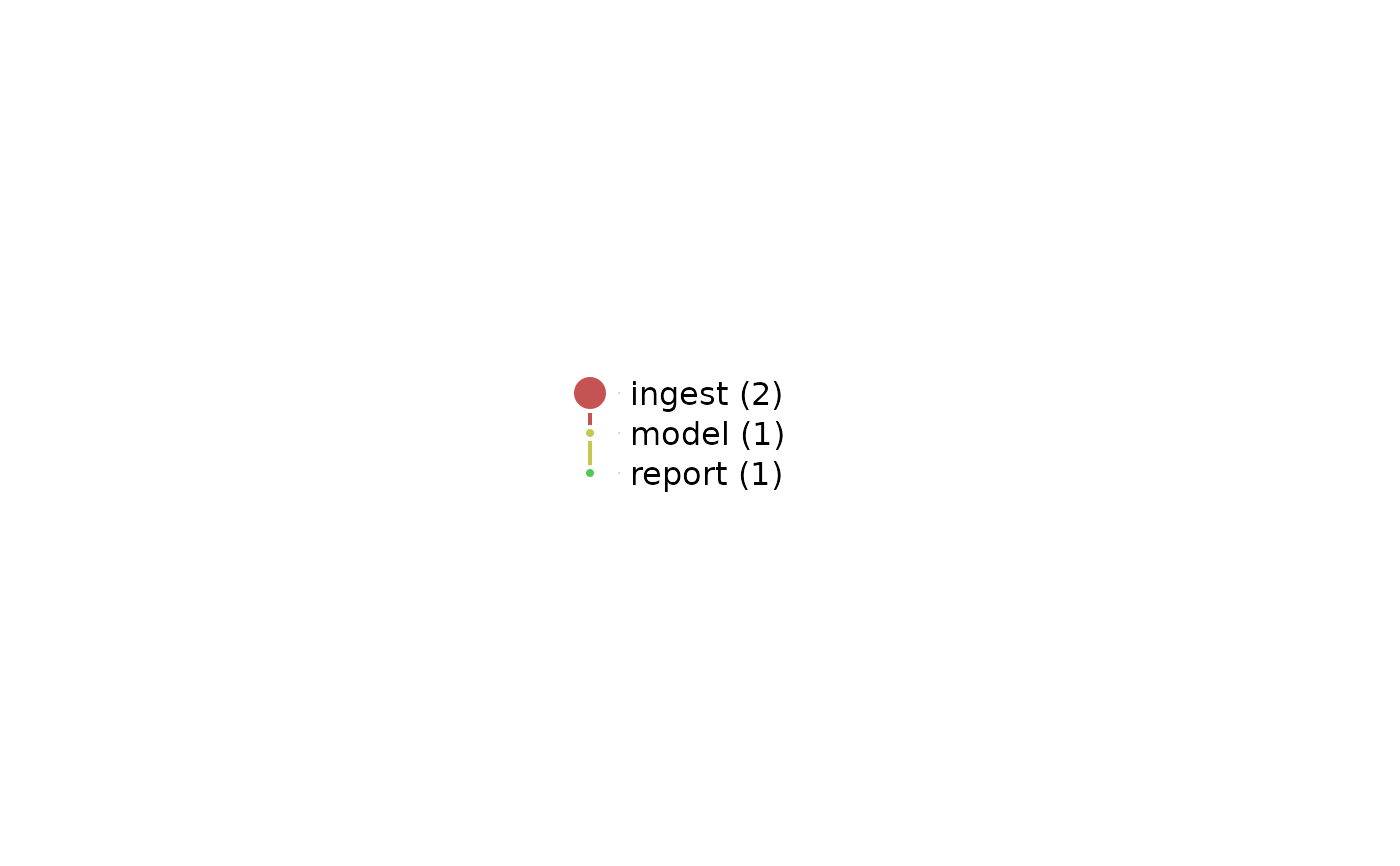
stages become one edge each (see dag_collapse()). With node_size = "n"
and edge_width = "n", the size of a node and the width of an edge show
those counts.
A description can be set for each target, tar_target(raw, read_data(), description = "ingest"), or for a block of them with tar_option_set(),
which applies to every target defined after it:
# _targets.R
library(targets)
tar_option_set(description = "ingest")
ingest <- list(tar_target(raw, read_data()), tar_target(clean, tidy(raw)))
tar_option_set(description = "model")
model <- list(tar_target(fit, fit_model(clean)))
tar_option_set(description = character(0)) # back to no description
c(ingest, model)tar_ggplot(collapse_by = "description", node_size = "n", edge_width = "n")Things to know:
End a block with
tar_option_set(description = character(0)). The option stays set for every target defined after it, including those in files loaded later withtar_source().tarchetypes::tar_map()appends the mapped values to each description by default (descriptions = tidyselect::everything()), so the targets it makes would be stages of their own. Passdescriptions = NULLto keep the stage's description.The descriptions must match exactly:
"ingest"and"Ingest "are two stages.A target with no description is a node of its own. A stage can't be named like such a target (an error: the two would be merged).
Stages that depend on each other both ways (A -> B -> A) are an error that names the edges behind it.
descriptionis also the label of a target intargets::tar_manifest()andtargets::tar_visnetwork(), so a short stage name is a good one, and a sentence is not.node_color = "status"colors a stage by its status when all its targets share one. A stage whose targets differ has no status, and is drawn gray with no legend entry, as is any node with a missing value in thenode_colorcolumn.For metadata of your own, add a column to the nodes of
tar_dag()'s result (its names can't berow,col,x,yorcolor_index), then calldag_collapse()andggplot_dag()yourself.
Examples
# each call is its own tar_dir(), so each plot actually prints - inside
# one tar_dir({ ... }) block, only the last expression auto-prints
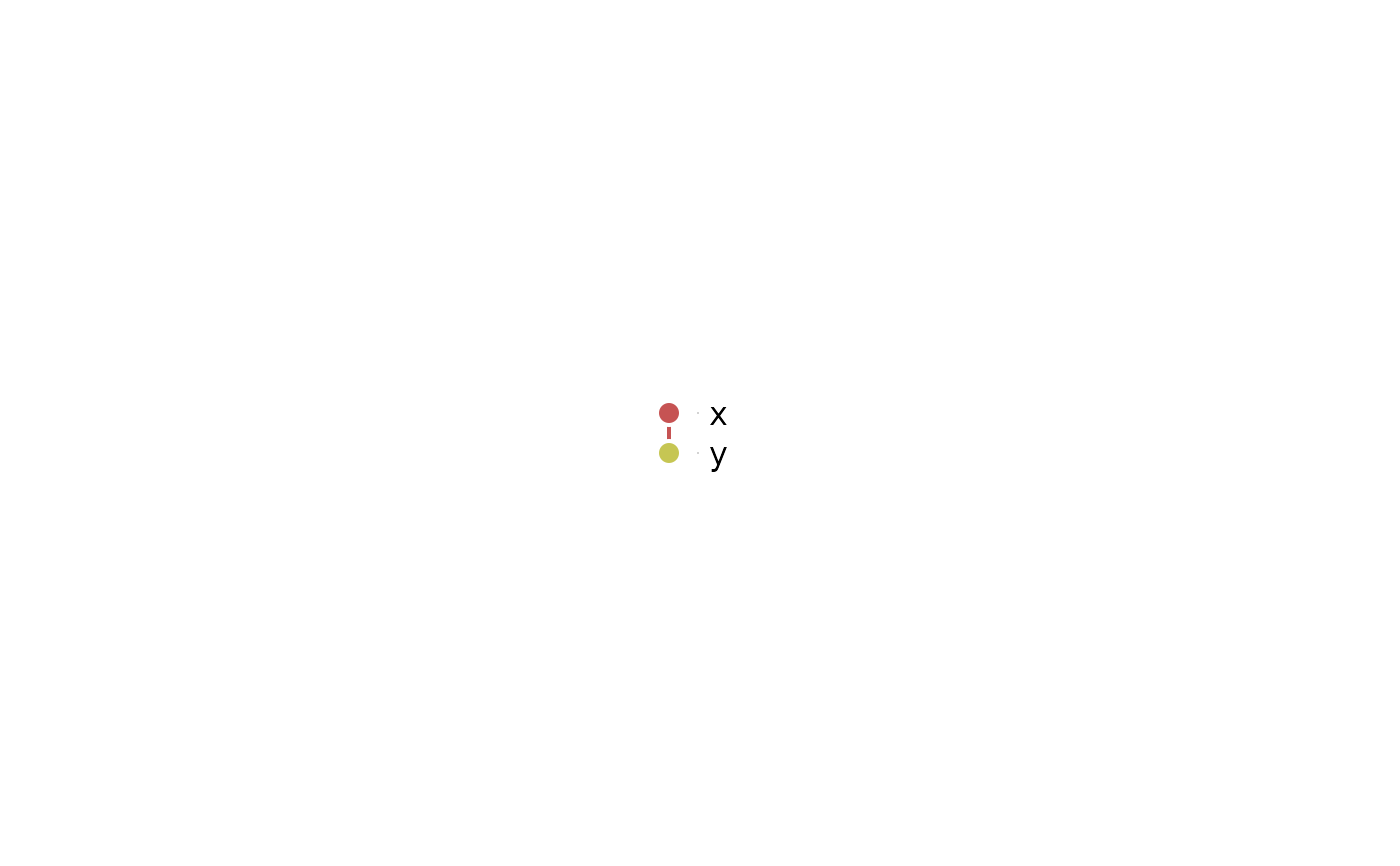
targets::tar_dir({
targets::tar_script(list(
targets::tar_target(x, 1),
targets::tar_target(y, x + 1)
))
tar_ggplot()
})
 targets::tar_dir({
targets::tar_script(list(
targets::tar_target(x, 1),
targets::tar_target(y, x + 1)
))
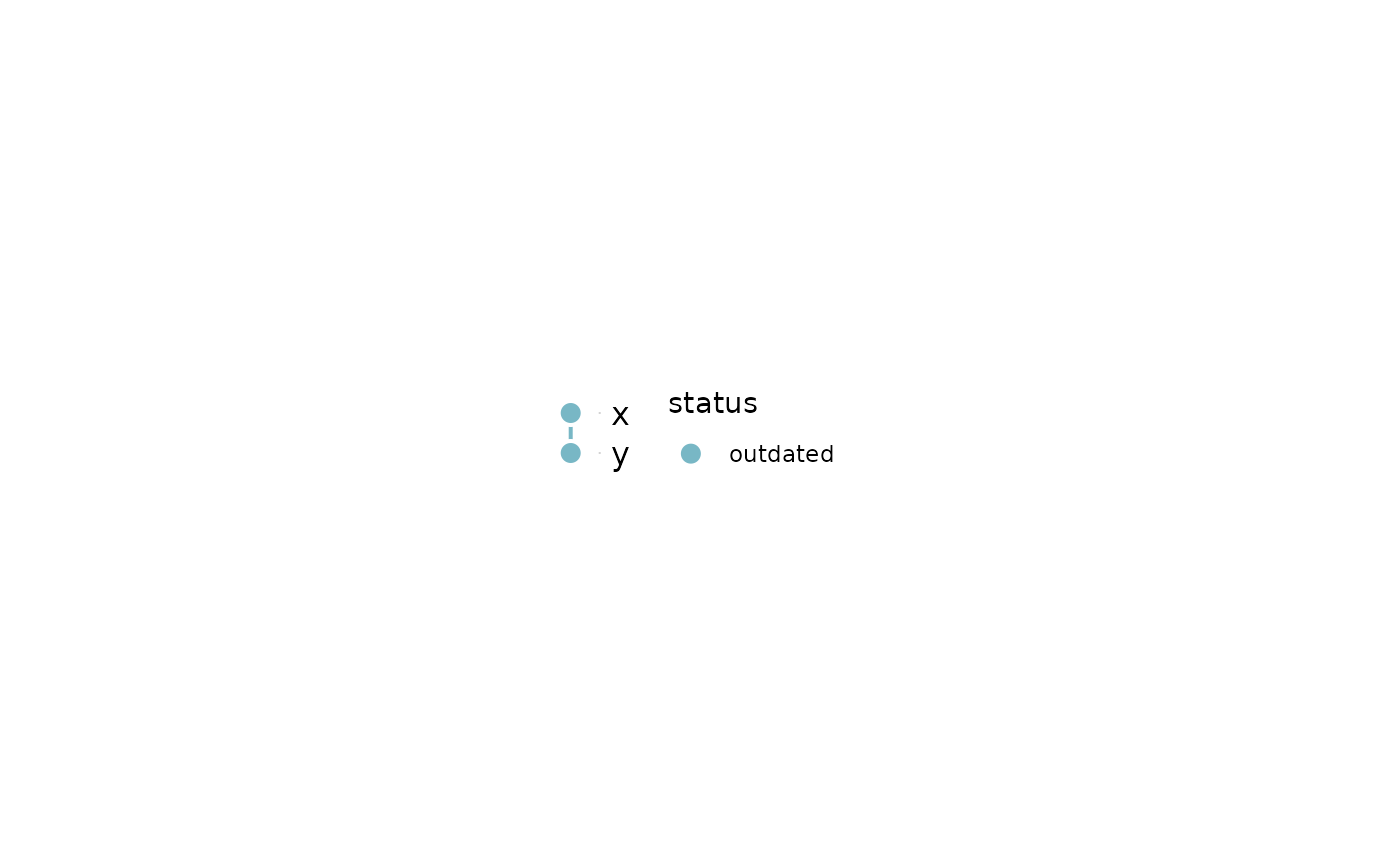
tar_ggplot(node_color = "status", palette = targets_status_colors())
})
targets::tar_dir({
targets::tar_script(list(
targets::tar_target(x, 1),
targets::tar_target(y, x + 1)
))
tar_ggplot(node_color = "status", palette = targets_status_colors())
})
 # the pipeline in stages, kept in the descriptions of its targets
targets::tar_dir({
targets::tar_script(list(
targets::tar_target(raw, 1, description = "ingest"),
targets::tar_target(clean, raw + 1, description = "ingest"),
targets::tar_target(fit, clean * 2, description = "model"),
targets::tar_target(out, fit, description = "report")
))
tar_ggplot(collapse_by = "description", node_size = "n", edge_width = "n")
})
# the pipeline in stages, kept in the descriptions of its targets
targets::tar_dir({
targets::tar_script(list(
targets::tar_target(raw, 1, description = "ingest"),
targets::tar_target(clean, raw + 1, description = "ingest"),
targets::tar_target(fit, clean * 2, description = "model"),
targets::tar_target(out, fit, description = "report")
))
tar_ggplot(collapse_by = "description", node_size = "n", edge_width = "n")
})